
Download Chameleon Shutdown – Energy Saving, Automatic Shutdown, Computer Management, Productivity Tool
Overview
Chameleon Shutdown is a utility application designed to automate computer shutdown and related system functions, helping users manage energy consumption and improve device efficiency. The app targets individuals who frequently forget to turn off their computers or wish to establish consistent power-saving routines. By enabling automatic execution of actions such as shutdown, restart, sleep, hibernate, lock, or log off, Chameleon Shutdown reduces the risk of unnecessary power usage and extends hardware lifespan.
Its primary purpose is to serve as a hands-off solution for system management, particularly beneficial for users who work remotely, manage multiple devices, or prioritize environmental sustainability. The application is especially useful in scenarios where computers are left running overnight or during long idle periods, such as during work breaks or after extended usage. While the developer did not provide additional background information, the app’s longevity since its release in 2010 suggests a stable and functional presence in the productivity tool ecosystem.
Real-world applications include setting the system to shut down after a scheduled task, entering sleep mode during inactivity, or locking the device at the end of the workday. Chameleon Shutdown fills a niche in the mobile and desktop utility space by offering a lightweight, reliable automation tool for power management, contributing to both personal convenience and broader energy conservation goals.
Key Features & Functionality
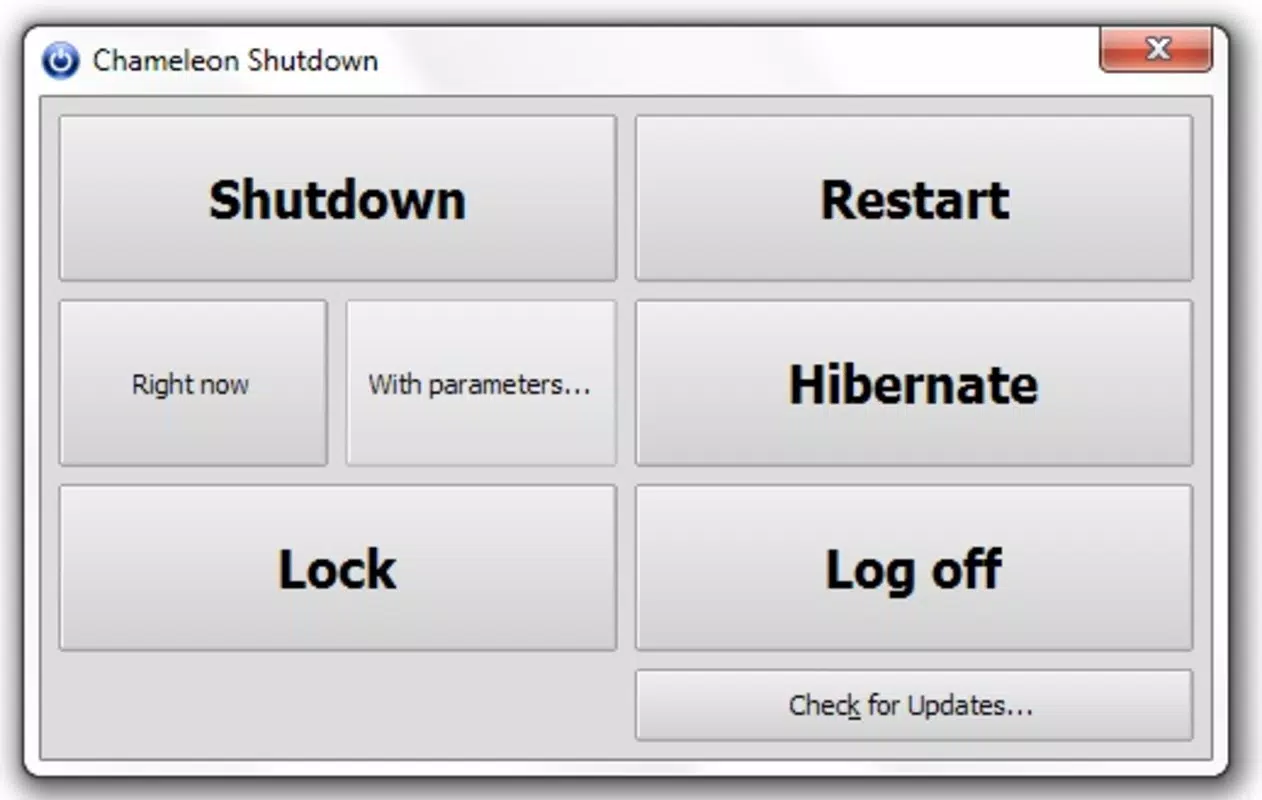
- Multiple Action Options: Users can select from six system-level actions—shutdown, restart, sleep, hibernate, lock, or log off—each tailored to different usage scenarios. For example, a user might choose to hibernate after a long work session to preserve progress while saving power.
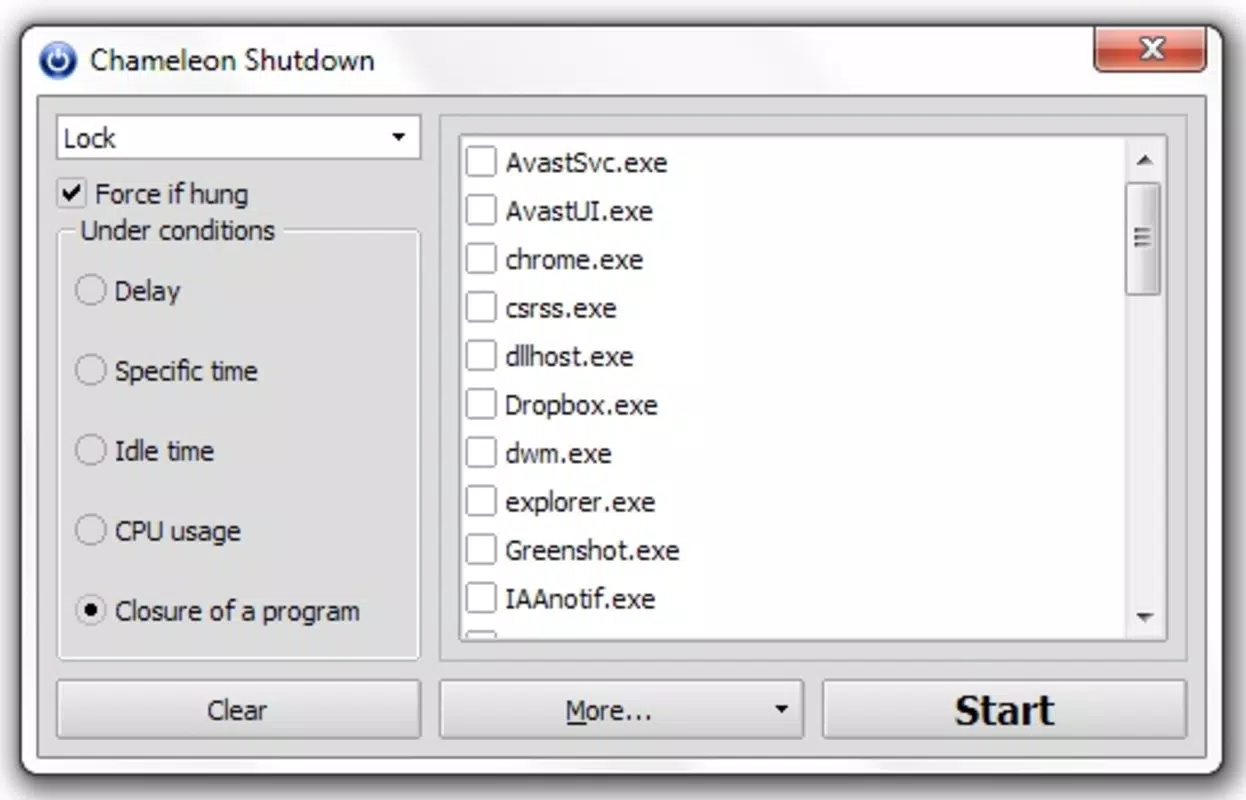
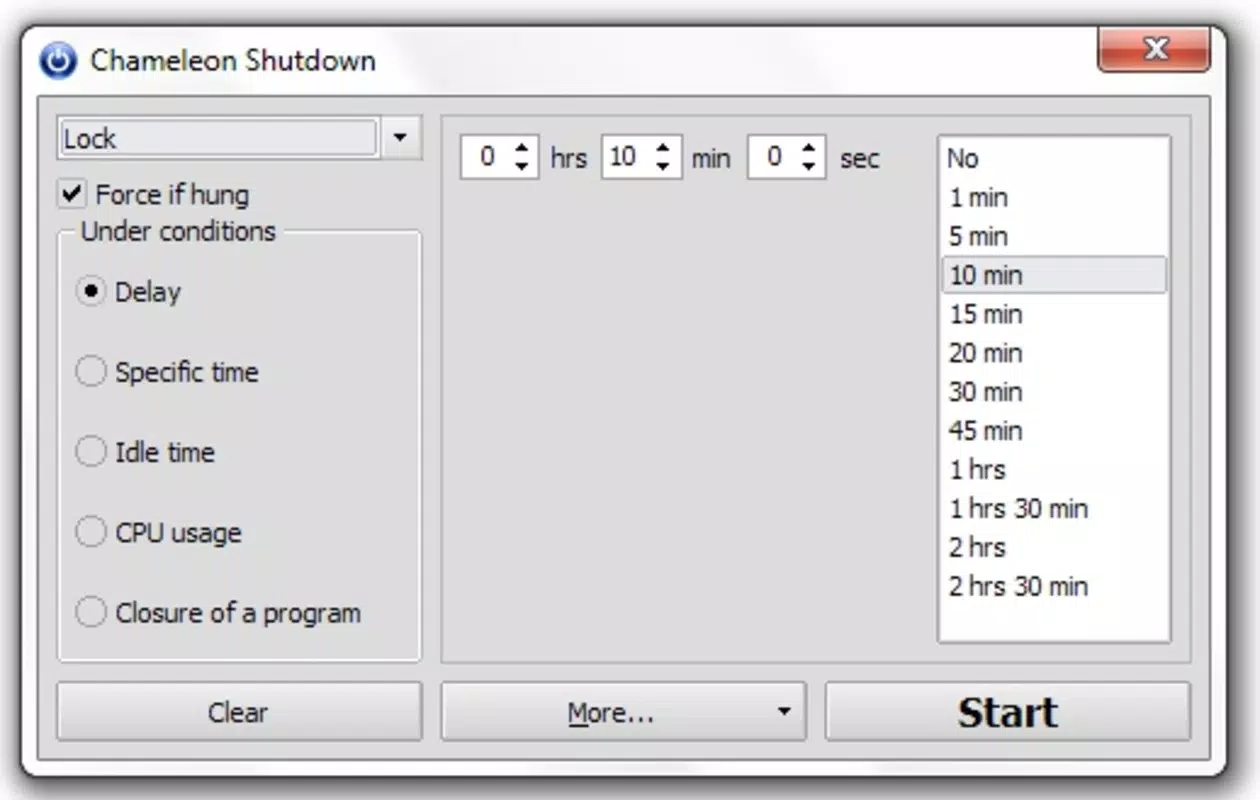
- Customizable Trigger Conditions: The app allows users to define specific triggers such as countdown timers, scheduled times, idle duration, or CPU usage thresholds. This flexibility enables precise control over when actions occur, ensuring alignment with user workflows.
- Energy Conservation Focus: By automatically managing system states based on user-defined rules, Chameleon Shutdown reduces idle power consumption. This is particularly valuable for users aiming to lower electricity bills or reduce their carbon footprint.
- Intuitive User Interface: The app features a clean, accessible layout that simplifies configuration, making it approachable for non-technical users. Even those unfamiliar with system automation can set up basic rules without difficulty.
- Background Operation: Once configured, Chameleon Shutdown runs silently in the background, monitoring system activity and executing actions without requiring user input, ensuring consistent performance over time.
For instance, a student might set the system to shut down after 30 minutes of inactivity during late-night study sessions, preventing accidental overuse. Similarly, a remote worker could schedule a nightly restart to maintain system performance. These use cases demonstrate how the app enhances productivity and system reliability through automation.
Interface, UX & Performance
Chameleon Shutdown presents a straightforward interface focused on functionality rather than visual flair. The layout is organized into logical sections—action selection, trigger settings, and configuration preview—enabling users to navigate and adjust parameters with minimal friction. Navigation is linear and predictable, with clear labels and minimal clutter, supporting efficient setup even for first-time users.
The app’s responsiveness appears consistent across various system environments, although the developer did not list formal performance metrics. Stability is implied by its long-standing presence since 2010, suggesting a mature and reliable codebase. Although the developer did not specify minimum OS requirements, the app functions effectively on modern Windows systems.
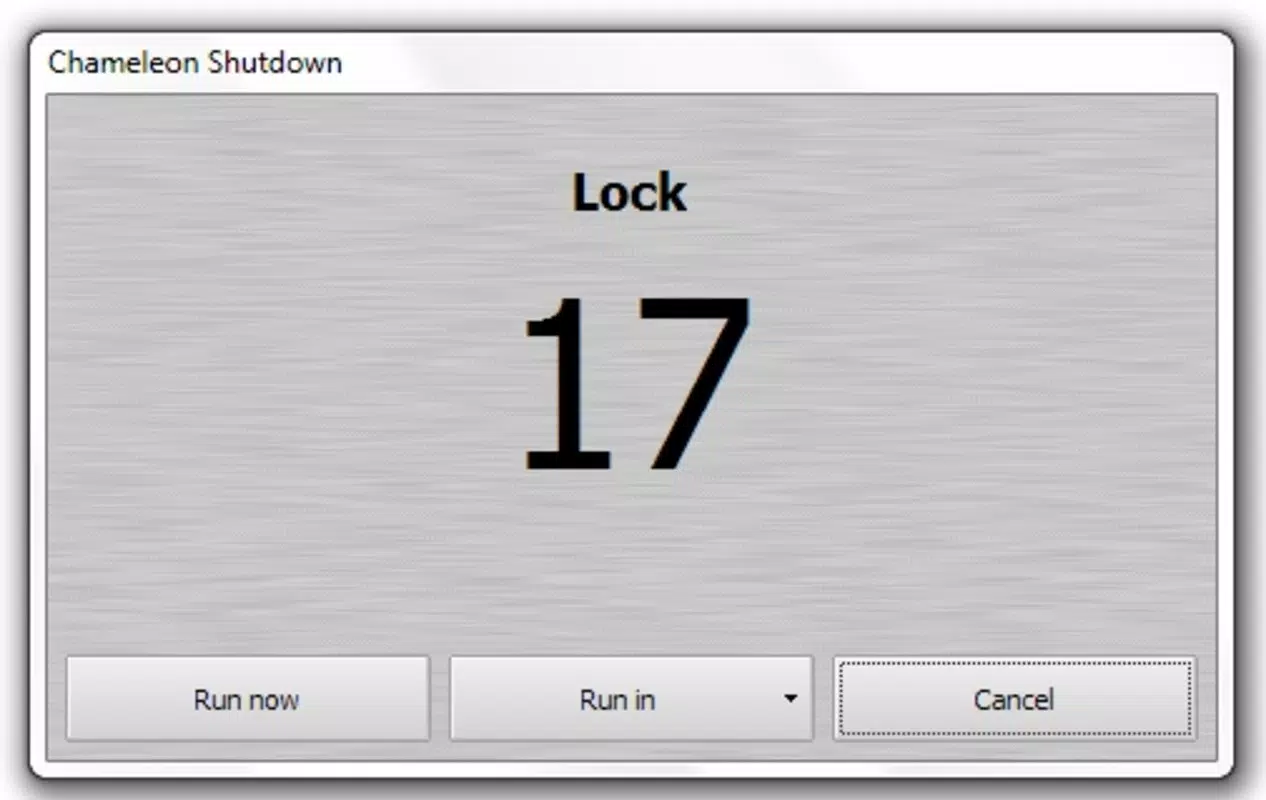
Users can expect minimal resource usage during operation, as the application runs in the background with low CPU and memory overhead. While no official benchmarks are available, the app’s design prioritizes efficiency and reliability. The lack of real-time feedback or progress indicators during execution is a minor limitation, but the overall user experience remains smooth and dependable.
For users seeking a no-frills automation tool, Chameleon Shutdown delivers a stable and functional interface that supports consistent performance across different device categories.
Platform Compatibility & Technical Requirements
Chameleon Shutdown is available for Windows operating systems. The app was released on October 28, 2010, and the current software version is not specified in the provided information. The file size is listed as 1.8 MB, indicating a lightweight footprint that requires minimal storage space.
The developer did not specify minimum OS requirements or compatibility details beyond the platform. As such, users should verify compatibility with their specific Windows version before installation. While the app has been functional for over a decade, its compatibility with newer Windows releases cannot be confirmed without additional technical documentation.
The lack of official details on supported versions or system specifications means users should proceed with caution on updated systems. The absence of platform-specific information for macOS or Linux suggests that the app is currently limited to Windows environments. Despite these gaps, the app’s small size and long history indicate a focus on efficiency and backward compatibility.
Pros and Cons
Pros
- Supports six system actions for flexible automation
- Customizable triggers based on time, inactivity, or CPU usage
- Designed for energy conservation and reduced power consumption
- Intuitive interface suitable for non-technical users
- Lightweight file size (1.8 MB) with minimal system impact
Cons
- Developer did not provide minimum OS or compatibility requirements
- Specific software version and update history not disclosed
- Platform availability limited to Windows only (no information on macOS or Linux)
- Limited visual feedback during operation
- Release date indicates long-term use without recent updates
FAQ
Is Chameleon Shutdown safe to install?
Yes, the app is designed as a utility tool for system management and does not include malicious components. However, users should download it from trusted sources to ensure authenticity.
Can I use Chameleon Shutdown on Windows 11?
While the app has been available since 2010, the developer did not specify compatibility with Windows 11. Users are advised to test the app on their system to confirm functionality.
Does Chameleon Shutdown require administrator rights?
System-level actions like shutdown and restart typically require elevated permissions. The app may prompt for administrator access during setup or execution.
How often does Chameleon Shutdown update?
The developer did not provide information on update frequency. The app has not seen a recent release, suggesting limited or no active development.
Can I schedule multiple shutdowns per day?
Yes, the app supports multiple trigger conditions, allowing users to set different actions at various times or based on different criteria throughout the day.
Final Thoughts + CTA
Chameleon Shutdown remains a dependable tool for users seeking automated system management and energy efficiency. Its ability to execute a range of actions based on customizable triggers makes it a practical solution for both casual and power users. While the lack of updated information and modern platform support raises questions about its current relevance, its lightweight design and proven functionality over more than a decade underscore its reliability.
The app is ideal for individuals who want to reduce energy waste, prevent device overheating, or ensure consistent system behavior without manual intervention. For those managing computers in home offices, study environments, or shared workspaces, Chameleon Shutdown offers a simple yet effective way to maintain productivity and sustainability. Despite its age, the app continues to serve a niche but valuable purpose in the digital ecosystem.
Download Chameleon Shutdown now and take control of your device’s power usage with confidence.


